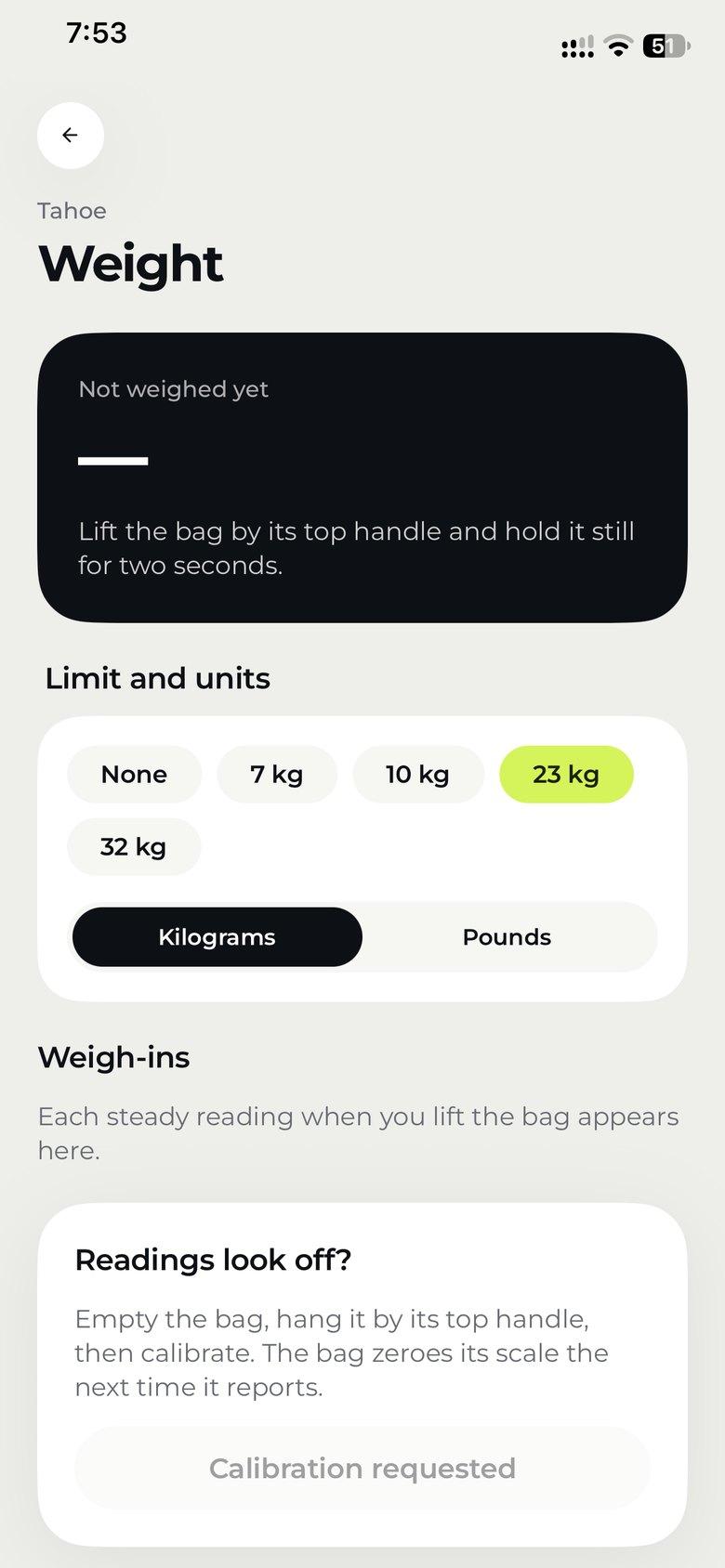
Weigh it by lifting it
Hold the bag by its top handle for two seconds. The app shows the weight against the limit you pick (7, 10, 23 or 32 kg), in kilograms or pounds.

Pair your bag in seconds, then see where it is, how it was handled and what it weighs, and hear about it the moment something’s wrong.
On iPhone and Android, from the App Store or Google Play.
With your email or Google. Add two-step sign-in so a stolen password alone can’t open your bags.
Tap + on Bags and scan the QR code on the Smart Core. The bag is yours from then on.
Before you leave, start a journey. The bag logs everything until you end it.
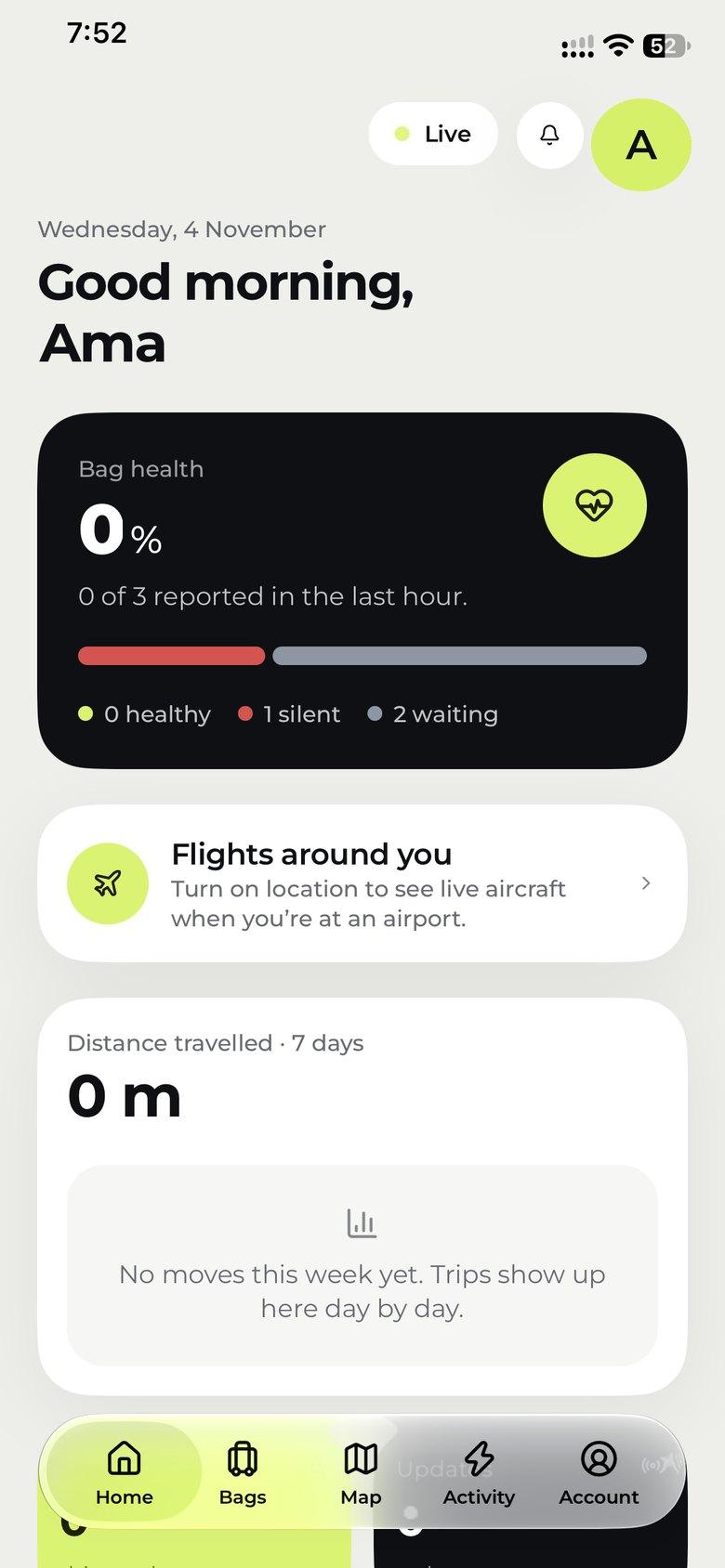
Home shows how many of your bags have reported in the last hour, which have gone quiet, and how far they’ve travelled this week.
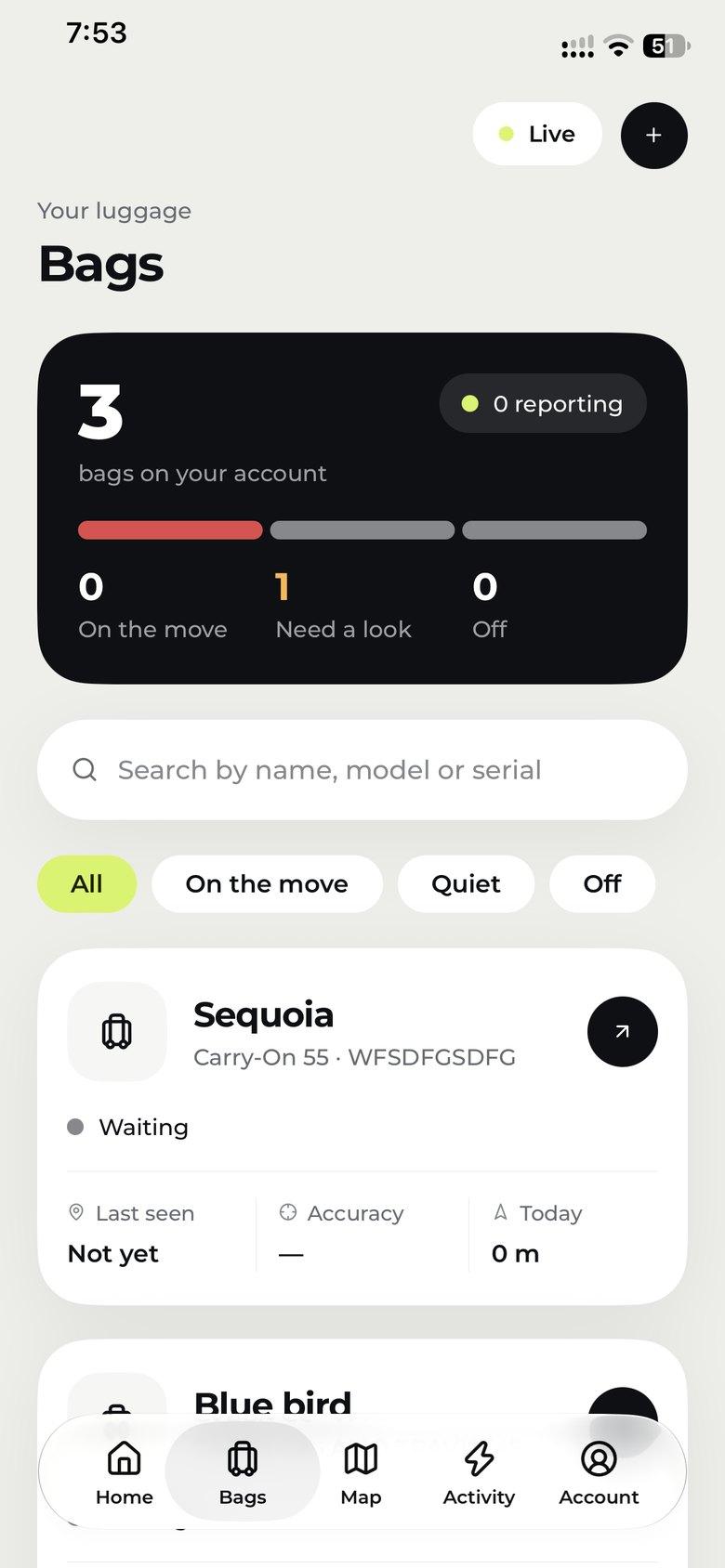
See how many bags are on the move, which need a look and which are off, then search by name, model or serial. Tap + to add a new one.
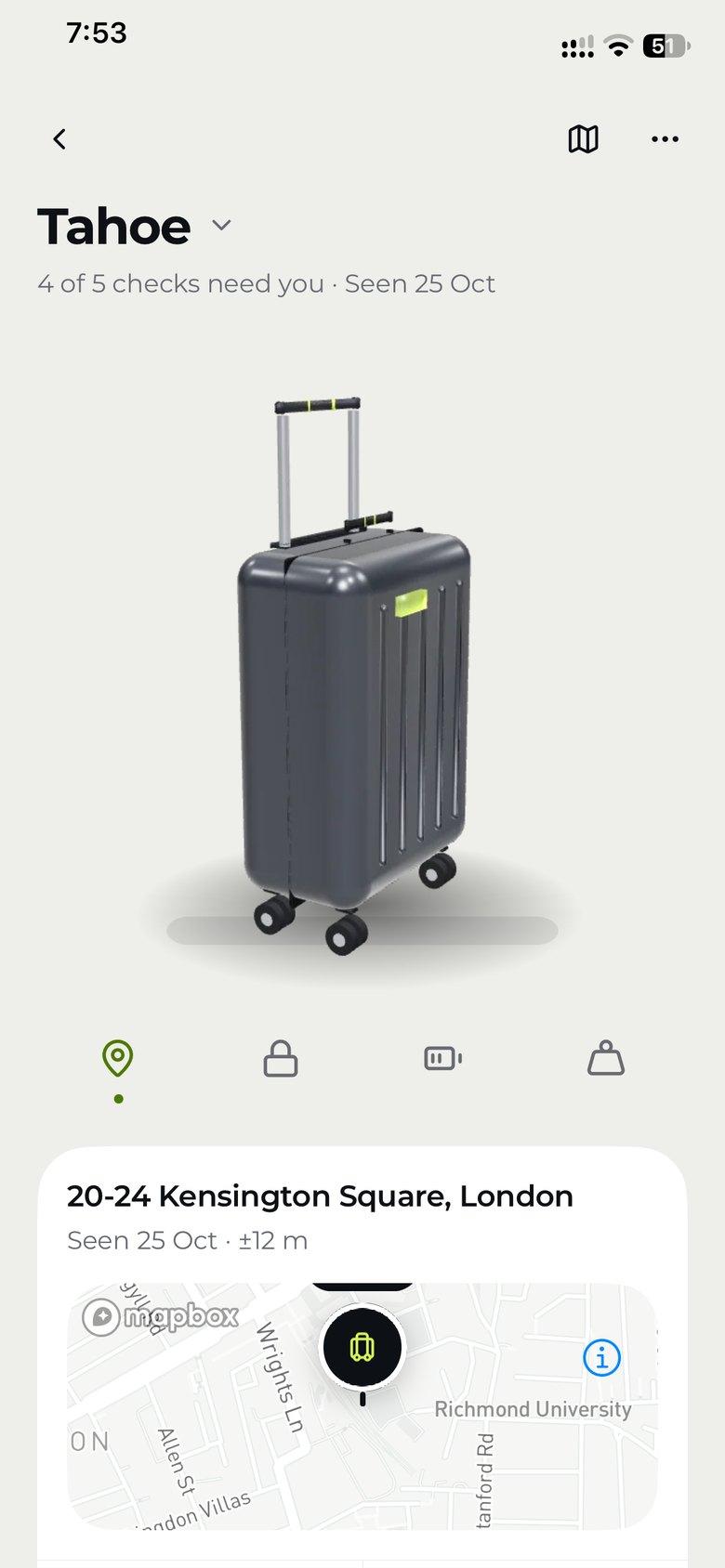
Open a bag to see its last position with how accurate it was, when it was seen, and what needs your attention, from the lock to the battery.
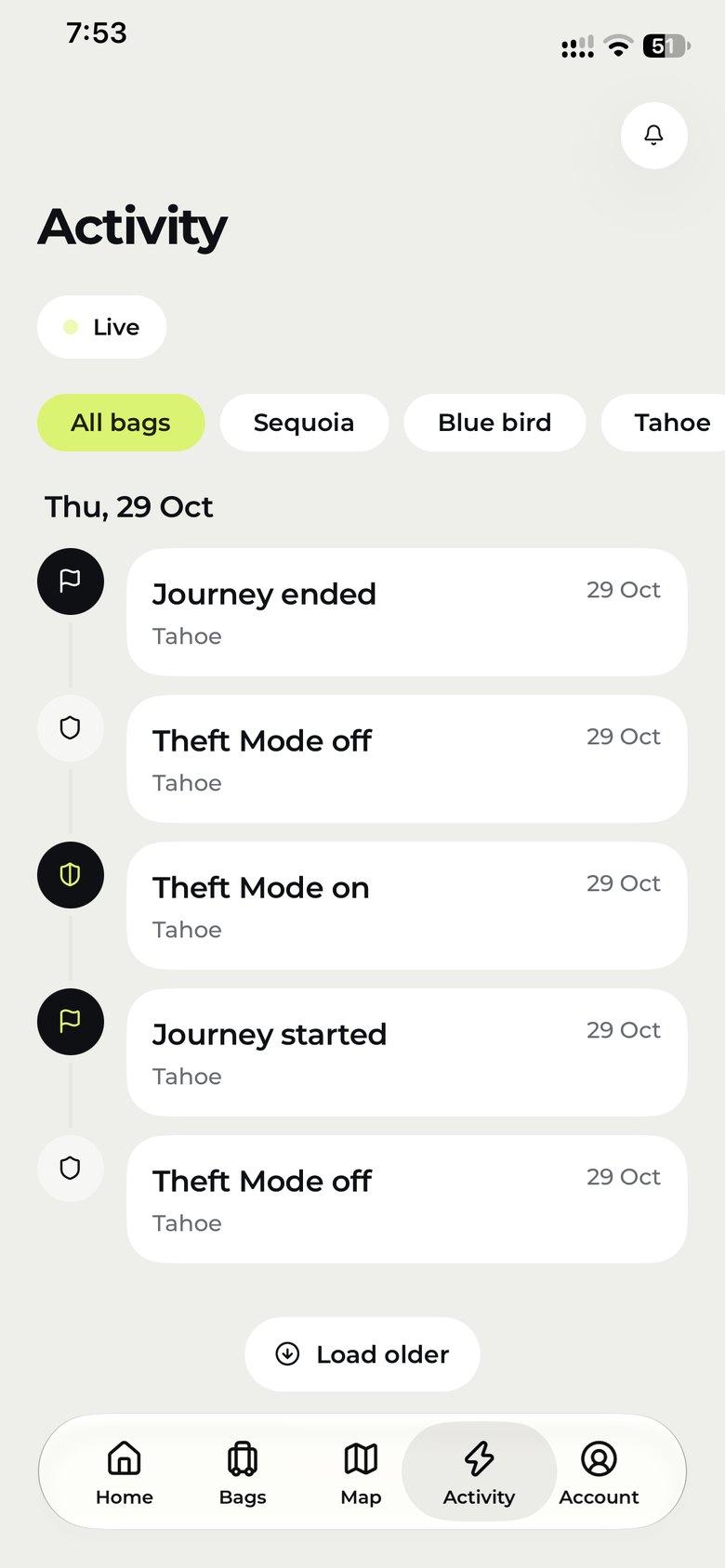
Journeys, Theft Mode, impacts and alerts land in one timeline, for every bag or just one. Load older events whenever you need them.
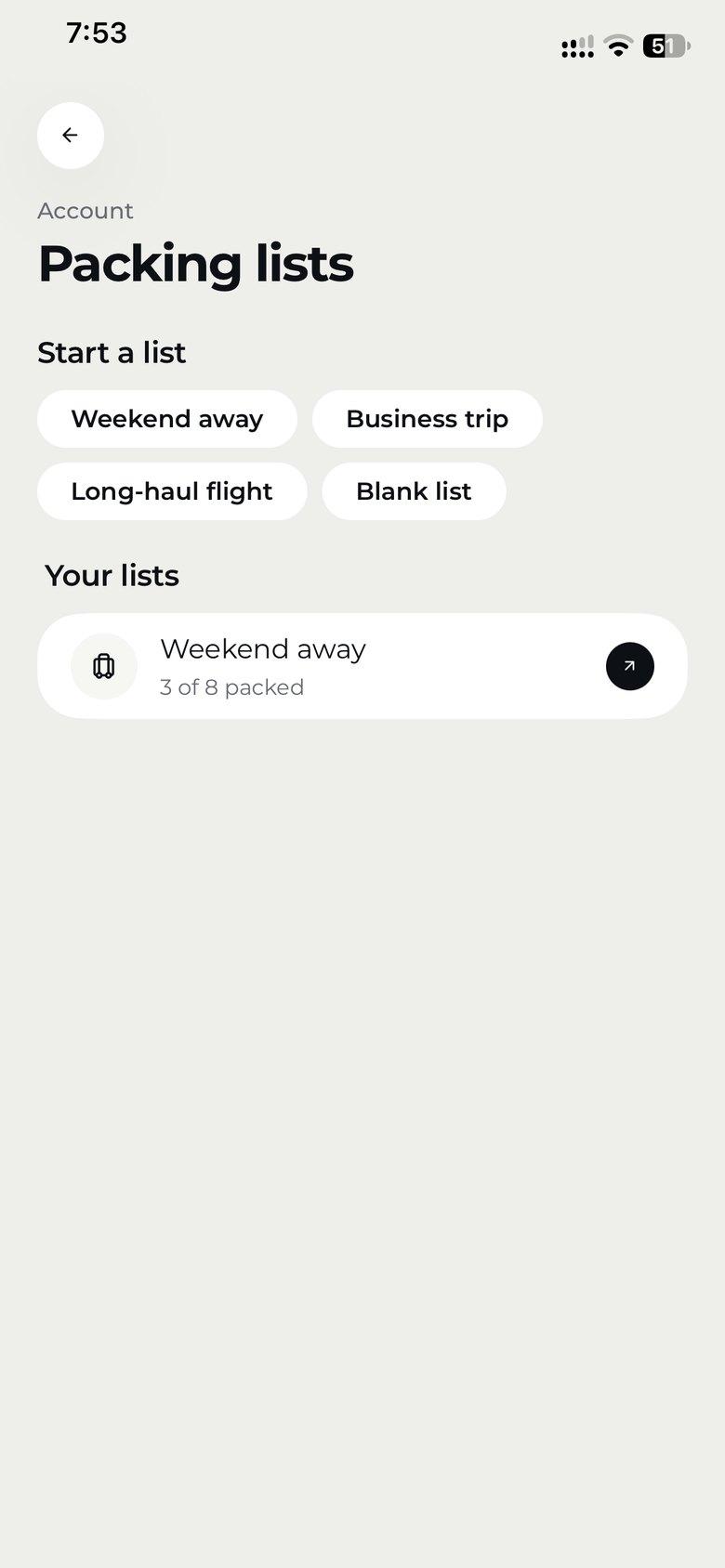
Start from a weekend, business or long-haul template, tick things off as they go in, and set a reminder for the morning you leave.
Hold the bag by its top handle for two seconds. The app shows the weight against the limit you pick (7, 10, 23 or 32 kg), in kilograms or pounds.
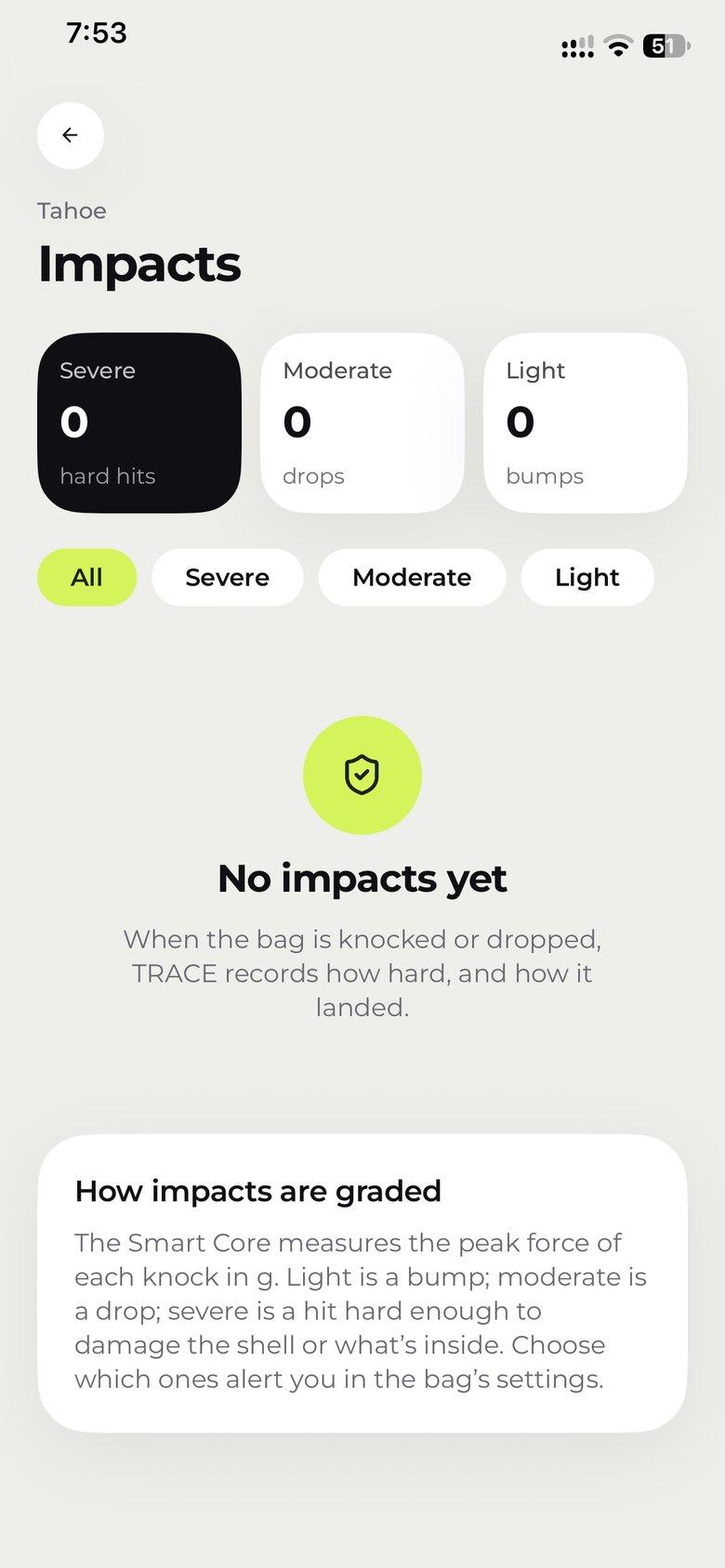
Light bumps, moderate drops and severe hits are counted separately, with how hard each one was. You choose which ones alert you.
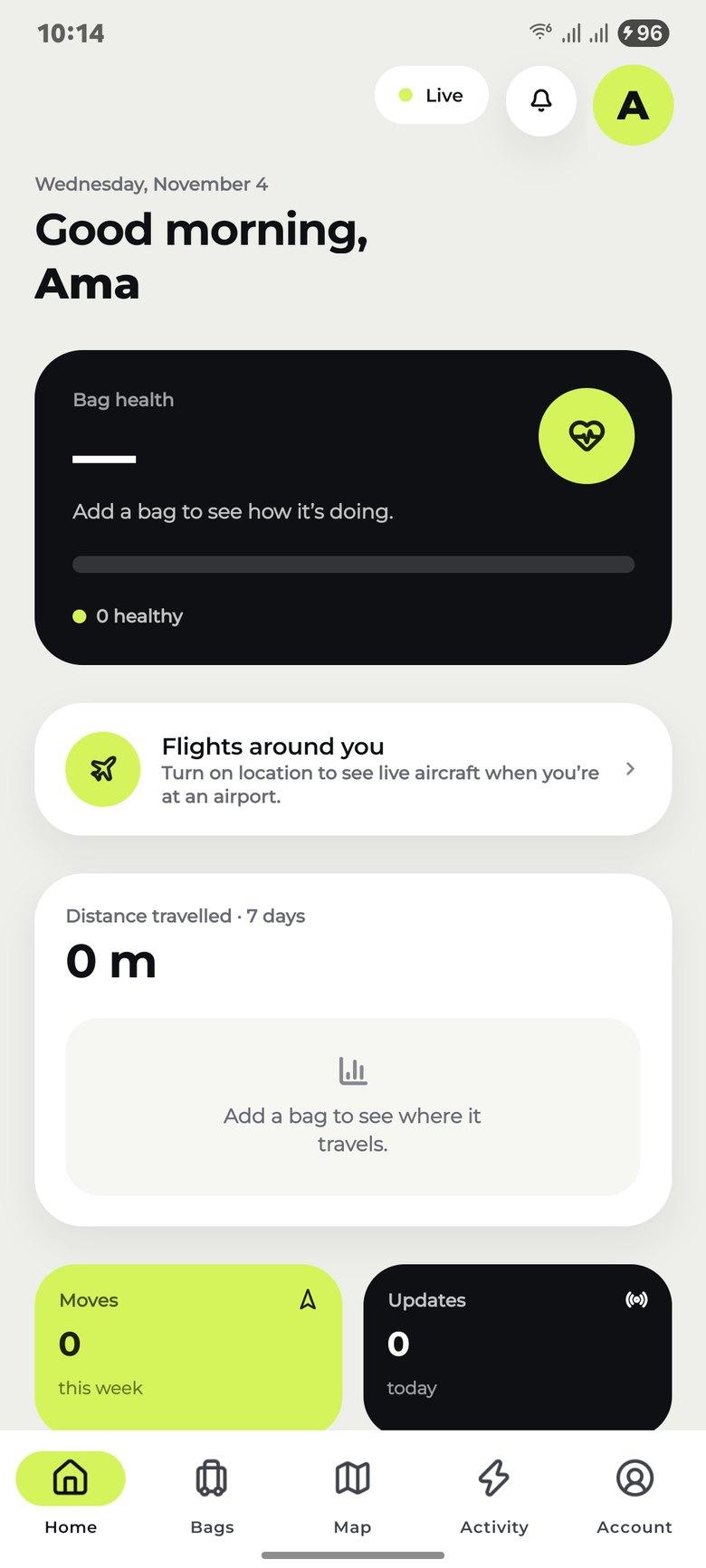
Bag health, flights around you and distance travelled, as soon as you sign in.
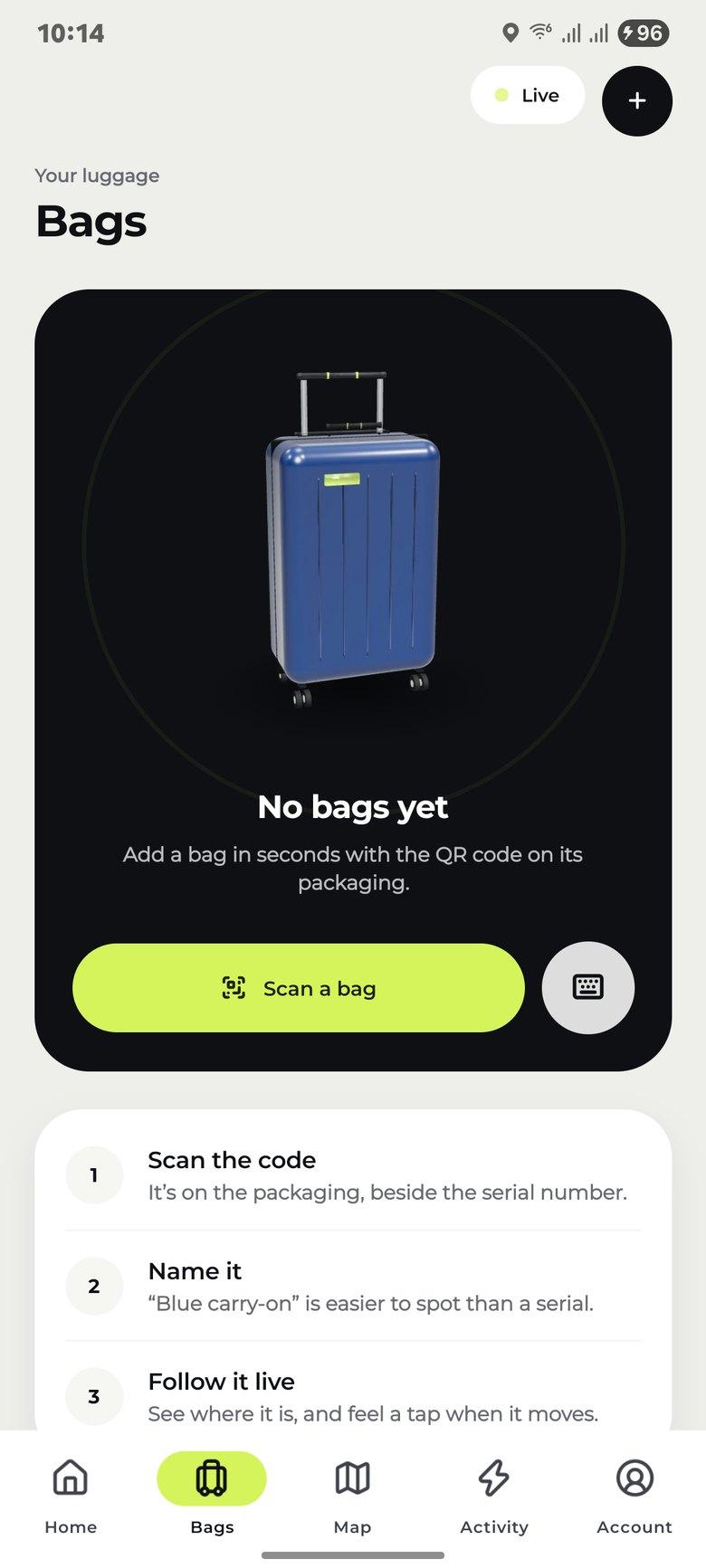
Scan its QR code, give it a name and follow it live.
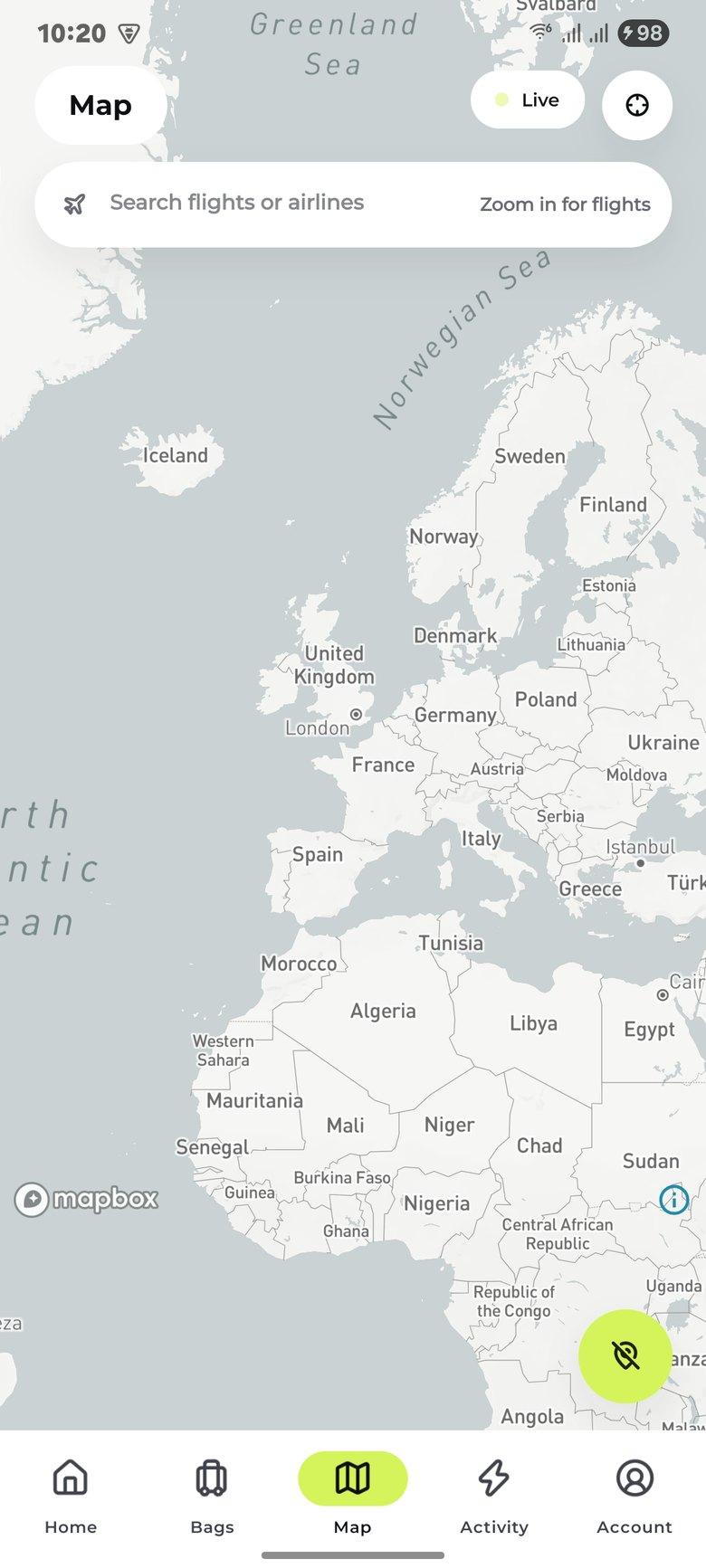
Search flights and airlines, then zoom in to see them live.
Sensors on the zip and lid notice when the bag is opened. Turn on Theft Mode and any movement alerts you, with its position every minute.
At the airport, turn on location to see the aircraft live around you.
The app builds a report for the airline’s baggage desk: bag tag, flight, serial number, last position and every impact, with your rights under the Montreal Convention.
Questions about pairing or your account? Talk to us

Get the Amortrav app, scan the QR code on your bag’s Smart Core, and start your first journey before you leave the house.